 Korea Toilet Map
Free for iPhone and iPad
Korea Toilet Map
When you need to go, the nearest restroom.
Over 80,000 public and open restrooms across South Korea on one map. Pick one that is open right now and go straight to directions — on foot or behind the wheel.
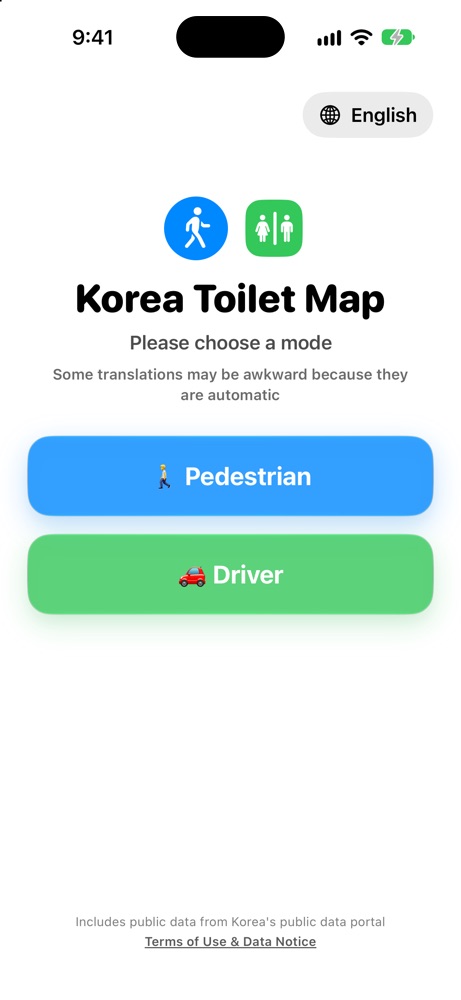
Walking mode
Every restroom nearby,
at a glance.
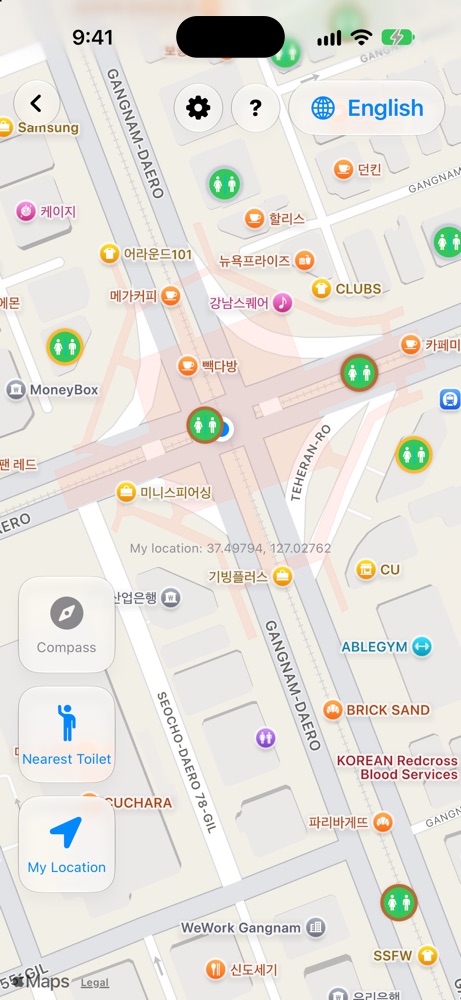
Open the map and nearby public restrooms appear as pins. Busy districts are clustered so the map stays readable, then spread out as you zoom in. Turn your phone and the map turns with you.
Open now
No more walking up
to a locked door.
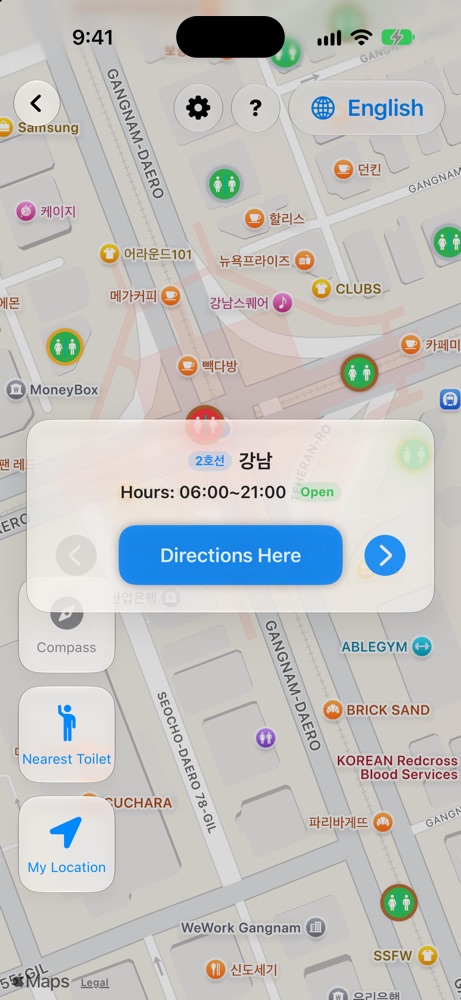
Each restroom keeps different hours — 24 hours, daytime only, overnight. The app reads them all and shows which are open right now. One tap on "Nearest restroom" searches the entire country for the closest one that is open.
Grades
Different needs,
different restrooms.
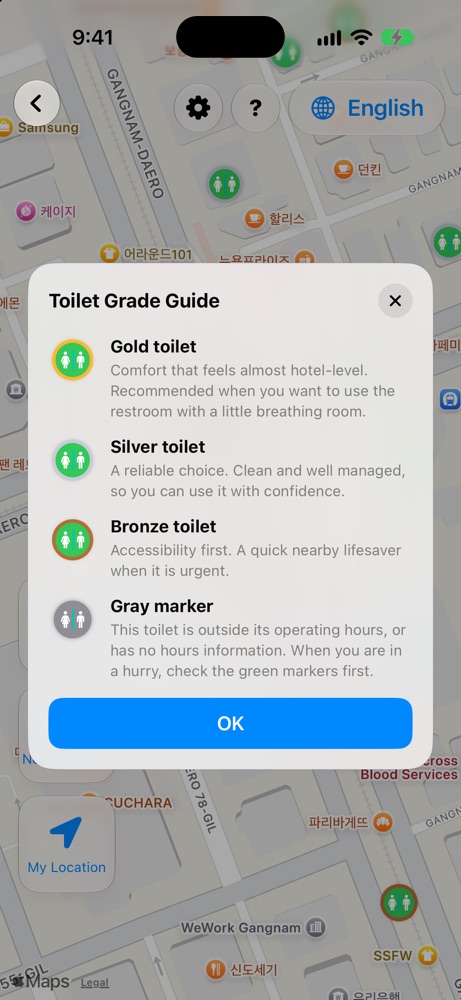
Gold for hotel-level comfort when you have time. Silver for a clean, reliable choice. Bronze for the fastest option when it can't wait. Closed places or those without hours turn grey, so you can tell at a glance.
Filters
Keep only what
you want to see.
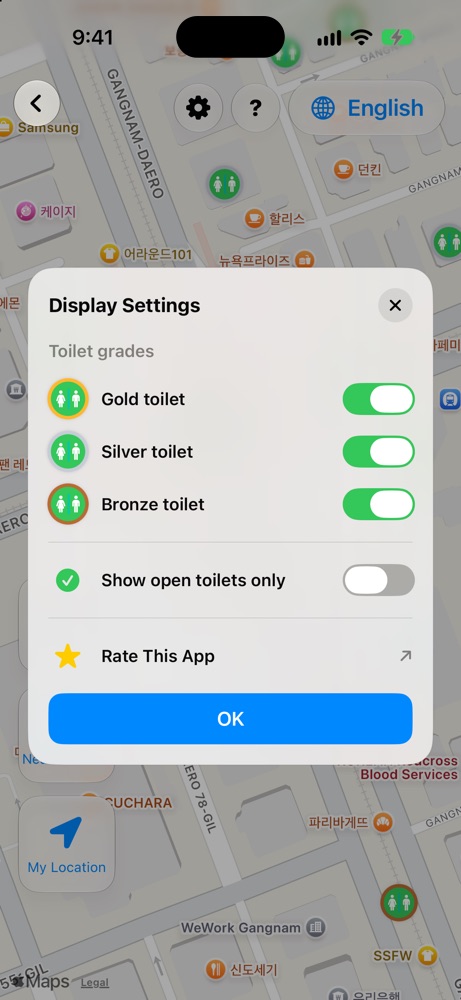
Toggle Gold, Silver, and Bronze on or off, and turn on "Open restrooms only" to hide everything that's closed. Even in the busiest parts of Seoul, the map shows just what you need.
Driving mode
On the road,
only what's ahead.
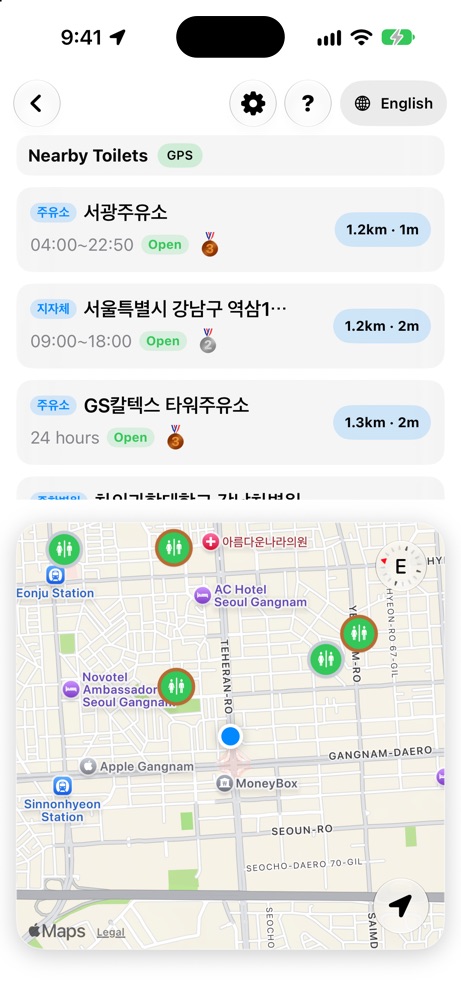
Search ahead within 15 km; if nearby candidates are all closed, expand up to 50 km for open options. iOS uses MapKit driving routes and estimated travel times to compare up to five results. The 15/50 km search radii are geographic distances; use the map app for actual directions.
Directions
Pick one.
Then just go.
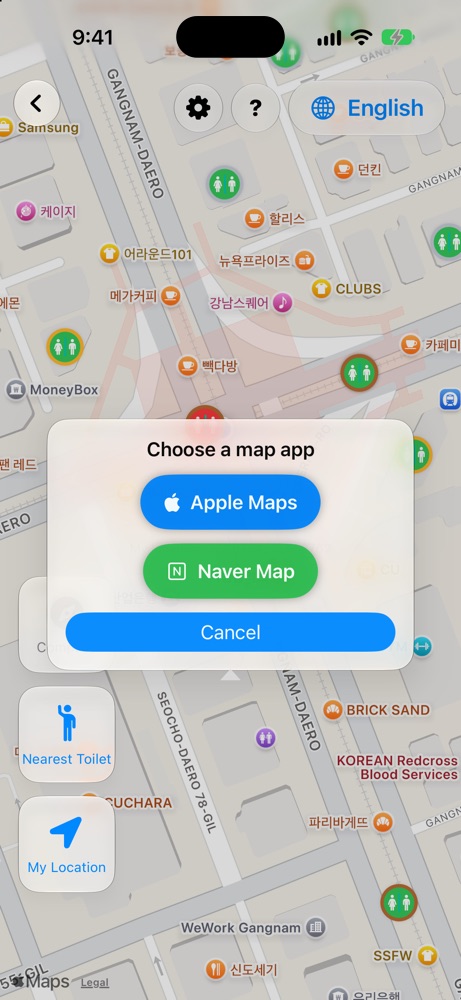
Choose a restroom and walking or driving directions start right away in Apple Maps or Naver Map. If Naver Map isn't installed, the app takes you to the App Store to get it.
Six languages
Made for everyone
visiting Korea.
Korean, English, Japanese, Simplified Chinese, Traditional Chinese, and Arabic. Restroom names and addresses are translated on your device, so you can find your way without reading Korean.
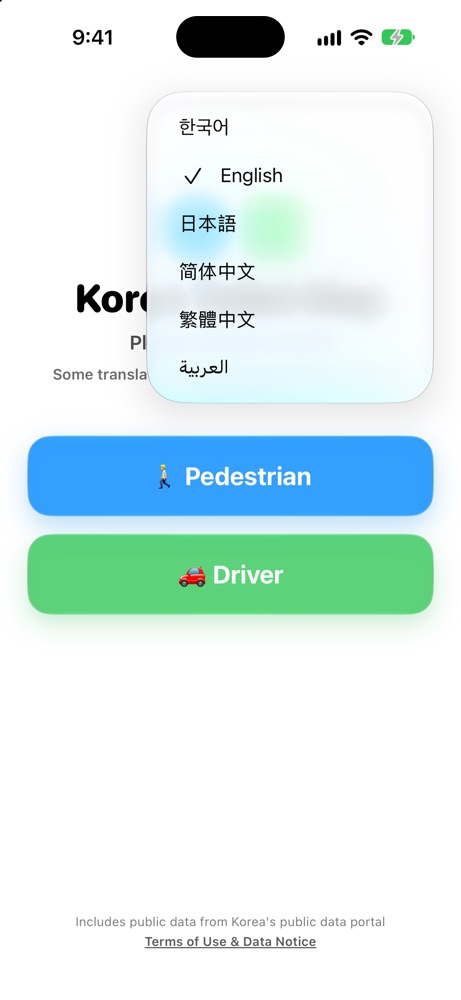
Privacy
Your location
stays on your phone.
All restroom data ships inside the app, so every search runs on your device. Your location is never sent to a server and there's no account to create. An on-device spatial index reads only the area on screen, so the map stays fast.
Android
Android is
on the way.
The Android implementation includes walking/driving search, opening-hours and grade filters, and a 15-language UI. Driving search ranks forward-facing candidates within 15 km by geographic distance, with a conditional 50 km fallback for open facilities. It remains in release preparation, not a confirmed Google Play release.
Android version coming soonFrequently asked questions
Where can I find a public toilet in Seoul or Busan?
Open the app and tap "Nearest restroom". It finds the closest open public restroom from your location anywhere in South Korea — subway stations, parks, government buildings, gas stations, and shops that open their restrooms to the public.
Is it free?
Yes. The app is free on the App Store and has no ads.
Is there an Android version?
Not yet. The app is available for iPhone and iPad today, and an Android version is coming soon.
Does it work offline?
The restroom data is bundled in the app, so nearby search runs on your device. Map tiles and directions need an internet connection.
Is my location sent anywhere?
No. Your location is used only on your device and is never sent to a server.
The information is wrong for a restroom.
The data comes from Korea's public data portal and may differ from conditions on site. Let us know by email and we'll look into it.
Can I leave feedback after using the app?
Current iOS source includes a Settings rating entry and rating requests after returning from directions. Apple decides whether the system prompt appears; availability depends on the installed version.